
My four-year-old likes stories and pictures more than handwriting practice, which seems fair. I wanted to see if I could put all three on the same page.
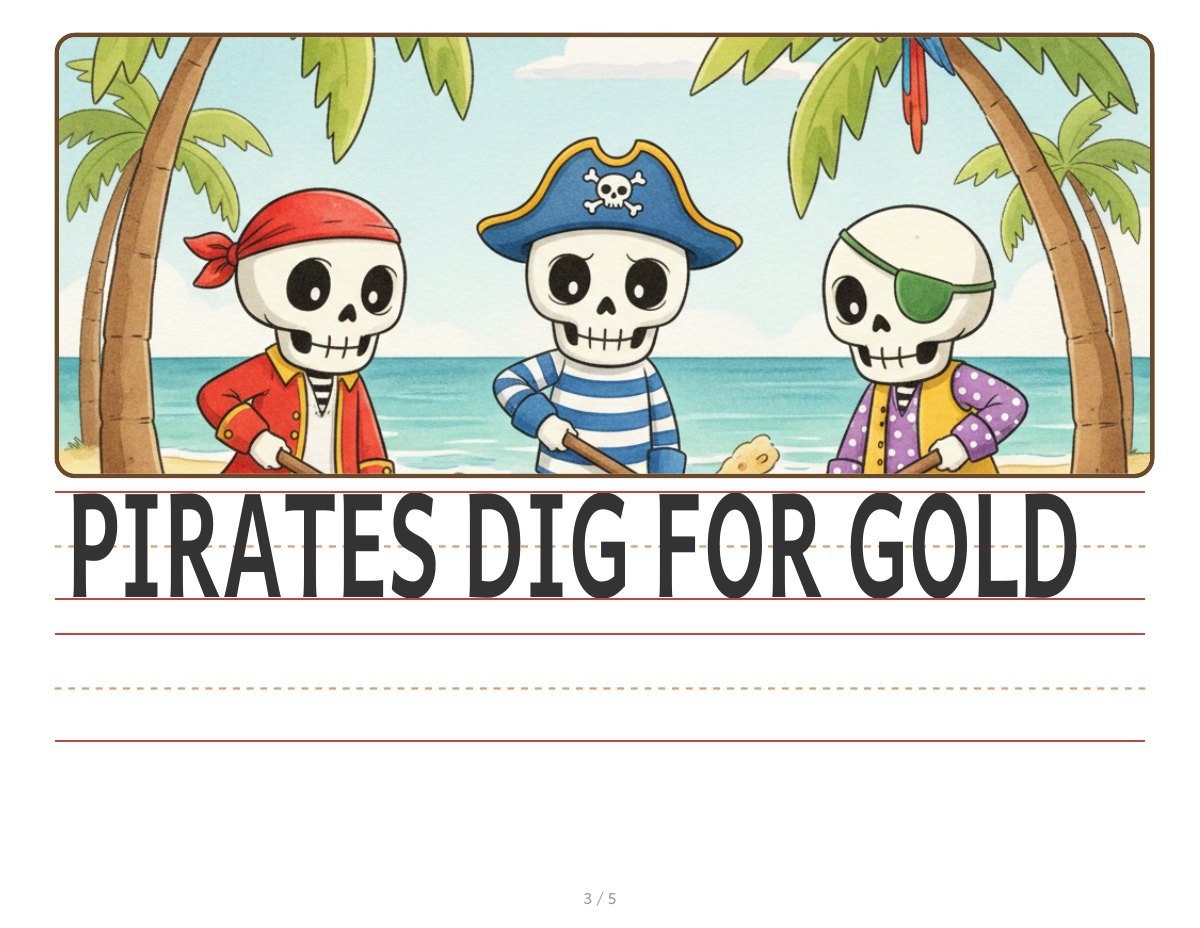
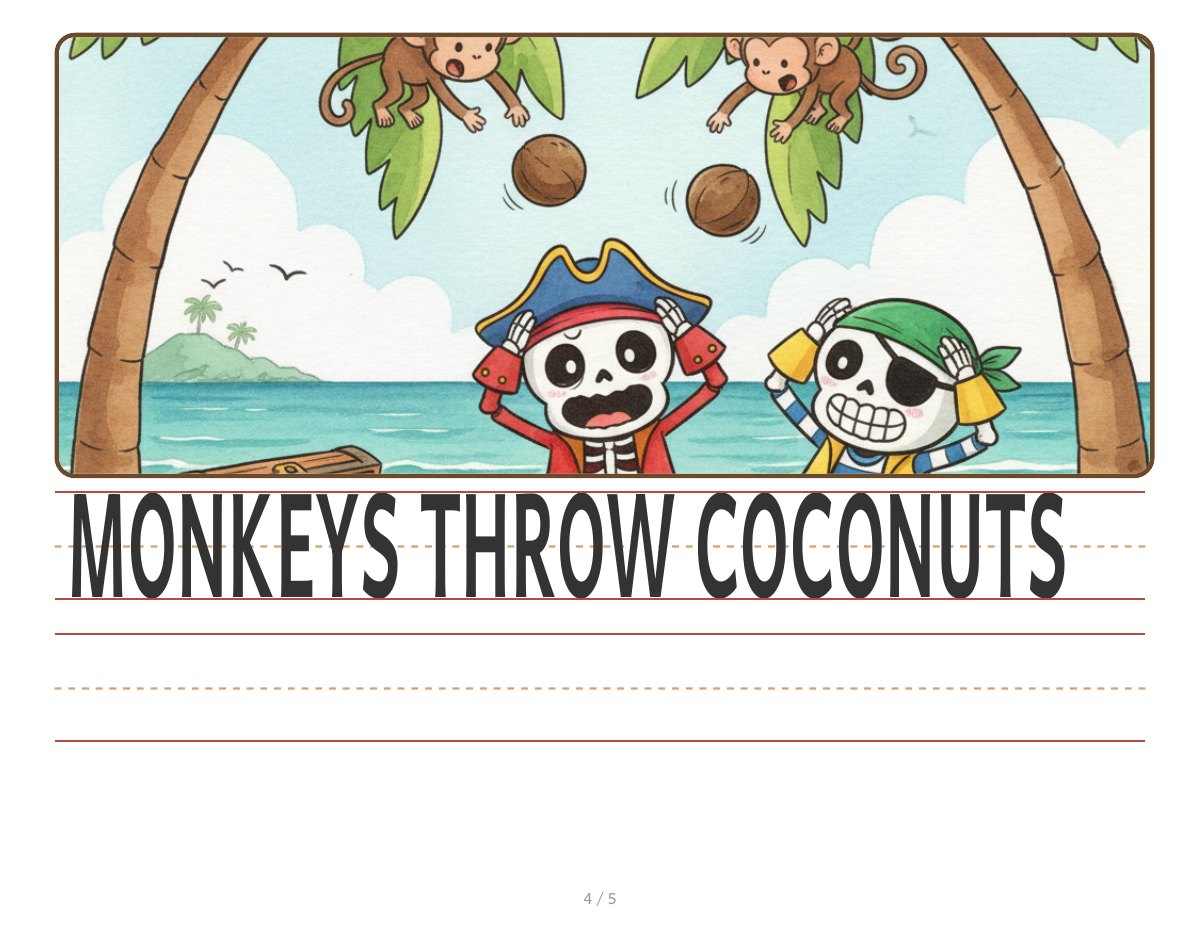
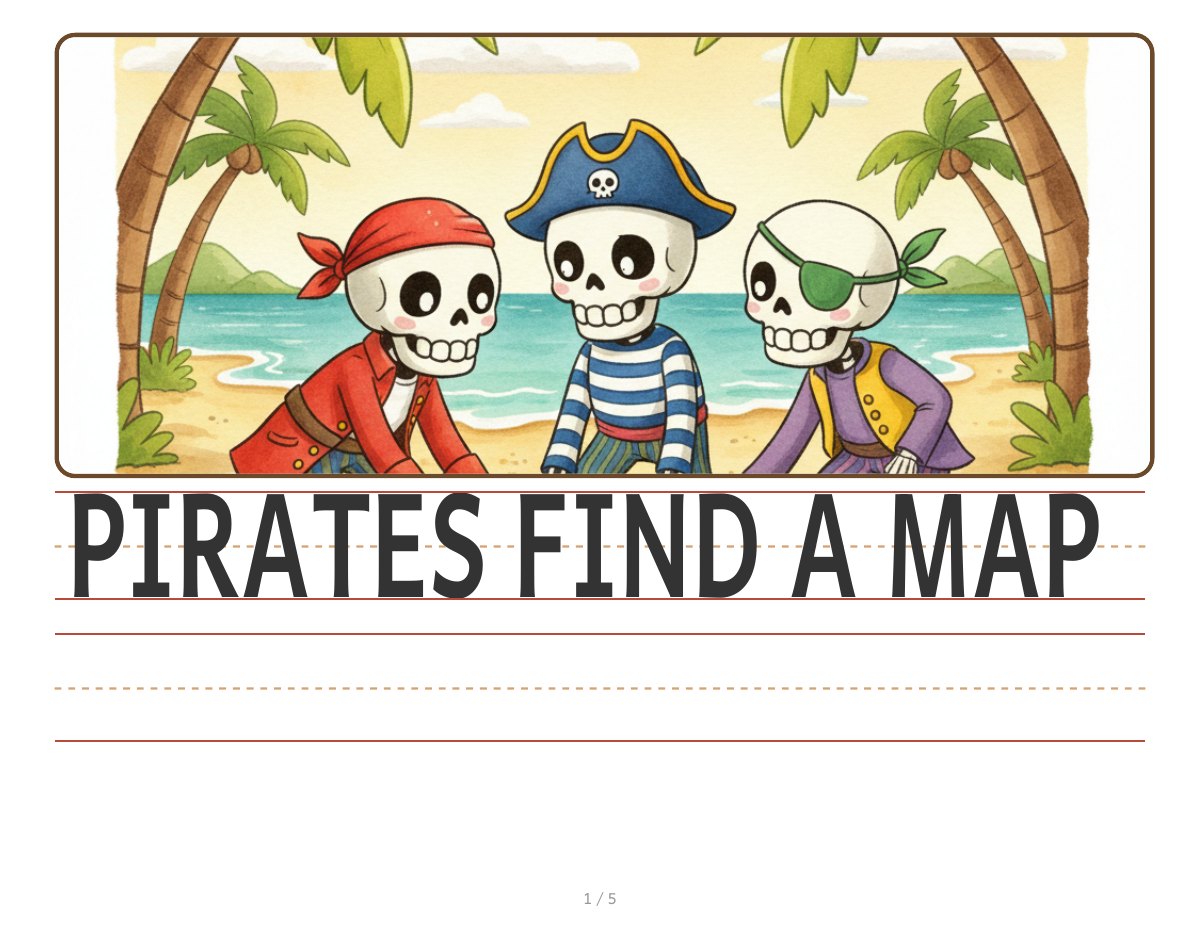
I wrote a very short story in five beats, then made one workbook page for each beat. Every page has the illustration on top, a simple printed sentence to copy, and blank handwriting rows below it.
The trick that made it more interesting was also the least technical part. I covered the picture with paper and tape. After my son wrote the sentence, he got to “unlock” the picture underneath.
Skeleton Pirates
The public example is a five-page story called Skeleton Pirates:
- PIRATES FIND A MAP
- PIRATES SAIL THE SEA
- PIRATES DIG FOR GOLD
- MONKEYS THROW COCONUTS
- PIRATES RUN AWAY
I generated the child-friendly illustrations with Gemini’s Nano Banana image generator. The generator I built pairs each picture with its sentence and lays out the handwriting rows, then produces a printable PDF.
How the generator works
The tool is a single Python script with no third-party Python packages,
just the standard library, plus two external binaries it shells out to.
Input is a small JSON file: five {sentence, image} pairs. The script
requires exactly five entries; it’s a five-page-workbook generator, not a
general-purpose one, and it exits with an error rather than silently
producing a four- or six-page book.
For each entry it builds one landscape letter-size HTML page: an illustration region on top, then two ruled writing rows below it, a top row that shows the target sentence for the child to trace or copy, and a blank row underneath. Fitting the sentence into that top row without it running off the edge or shrinking to nothing needed real work: the script computes an SVG viewBox and font size from a per-character width table tuned to the specific font in use (Andika Bold), plus a cap-height ratio I calibrated by inspecting the rendered output directly. That calibration, and a safety margin added because the width table still slightly undercounts some glyphs, is the kind of thing you only get right by looking at what actually printed and adjusting, not by reading the font spec.
Each HTML page is rendered to its own PDF (WeasyPrint if it’s installed,
headless Chromium as a fallback), and the five per-page PDFs are merged
into one file with pdfunite and the intermediates deleted, leaving a
single workbook PDF plus the source HTML pages. The illustrations are
supplied files, not something the script generates. It only checks that
the referenced image exists and writes a relative path into the HTML
rather than embedding the image as base64. That’s a deliberate workaround:
base64-embedded PNGs over about a megabyte were silently dropping out of
the rendered PDF under WeasyPrint, which I confirmed by running
pdfimages -list against a broken output and counting zero images. A
relative file path doesn’t hit that bug.
Layout decisions and revisions
The current top-illustration/bottom-writing landscape layout replaced an earlier version. The first pass wasn’t landscape, and getting to the current shape took a few visible layout passes rather than one attempt: the illustration crop height moved from 4 inches to 5 inches to preserve more of the original image composition, which then forced the writing rows down from 1.25 inches to 1.0 inch so both rows still fit on the page. The printed sentence itself is normalized to drop trailing punctuation. My son is learning letter shapes, not punctuation rules, so the exemplar text he copies stays as plain capital letters.
The illustrations went through their own visible revision cycle. A second project built on the same script, an unrelated five-beat story, needed two of its Gemini-generated images regenerated: one for a wider composition, one because a scene’s action was drawn facing the wrong way. Both projects keep backups of earlier illustration and page versions alongside the current ones, so a bad regeneration doesn’t erase the previous attempt before I’ve compared them side by side.
What I checked, and what’s still true
There’s no automated test suite for this script. Verification here has
been print-and-look: rendering pages, checking the PDF actually contains
the images (the pdfimages check above), and adjusting row heights and
crop heights against how the printed page actually reads. The script has
no requirements.txt; reproducing the pipeline elsewhere means knowing to
install WeasyPrint (or a Chromium binary) and poppler’s pdfunite, which
today is only documented in the script’s own header comment.
This is still a private tool I use at home. Tref Software is turning the generator into a small public tool where parents can enter or adapt a short story and produce a printable picture-writing workbook. It is coming soon.